

All iPod Touches: Black Screen of Death Fixed (1st, 2nd, 3rd, 4th, 5th, 6th, 7th Generation)


Description
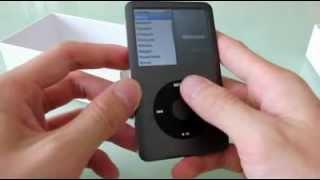
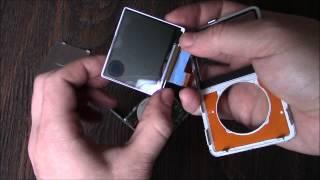
Here is six possible simple solutions on how to fix an iPod Touch with a black screen of death. This goes for all iPod Touch generations (1st, 2nd, 3rd, 4th, 5th, 6th and 7th generation models. If still no go after doing all the steps make sure to try each and every step 5 of 6 more times. By the end of the video 90% of you should have a working iPod Touch. Let us know which method or combo of methods you think worked for you.
Apple iPod touch 7th generation: https://amzn.to/2VmIgRO
Amazon Daily Deals: https://amzn.to/2QVcoRC
-----My Gear for Youtube videos-----
Main Camera 99% (smartphone): https://amzn.to/2utQFGH
Tripod: http://amzn.to/2xxpKcw
Cell Phone Tripod Adapter: http://amzn.to/2iM4Kw5
Selfie Stick/Tripod: http://amzn.to/2iK2Agu
Microphone: http://amzn.to/2xTAw13
Lights: http://amzn.to/2xVa5Ic
Electric Desk: https://amzn.to/2LLyzqU
Dual Device Tripod Setup w/ Hand Grip : https://amzn.to/2sOXuC2
Filmora Video Editor: http://bit.ly/2HdAMb7
FACEBOOK: http://www.facebook.com/ILUVTRADING
INSTAGRAM: https://www.instagram.com/iluvtrading/
TWITTER: https://twitter.com/VirgilForex
Business Inquiries: iLuvTradingBiz@gmail.com
Disclaimer: Links above are affiliate links meaning i get a small commission if you purchase items using those links.



















Comments