

How to Fix an iPod nano 3rd Gen - Battery LCD Buttons


Description
Book a mail-in repair(worldwide): https://partspluspods.com.au/product/ipod-nano-3rd-gen-mail-in-repair/
Buy iPods here: https://partspluspods.com.au/product-category/ipods/
Buy parts here (affiliate links):
Battery: https://s.click.aliexpress.com/e/_ooU5b3g\
LCD: https://s.click.aliexpress.com/e/_mrNcoEu
Rear housing: https://s.click.aliexpress.com/e/_opBuXU6
front plate: https://s.click.aliexpress.com/e/_oDrNxs6
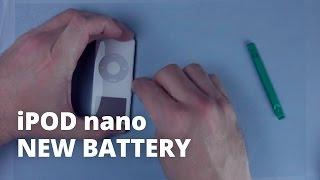
An in depth repair guide for the apple ipod nano 3rd gen. Although the rear housing is a bit of a pain to remove, this is probably still one of the easier iPod nanos to repair.
Time stamps:
00:00 - opening it
2:58 - removing the logic board
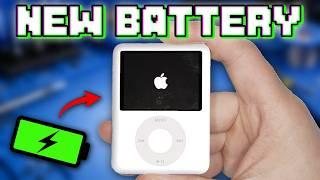
3:50 - Battery replacement
5:24 - Replace the LCD and front plastic
6:13 - Fixing buttons not clicking
8:47 - Reassembly
10:07 - Re attaching the rear housing
Follow me on social media!
https://www.tiktok.com/@partspluspods
https://www.instagram.com/partspluspods/
contact@partspluspods.com.au

















Comments