

How to fix iPod not recognised by iTunes. iPod stuck on "Do not disconnect". [Solved]


Description
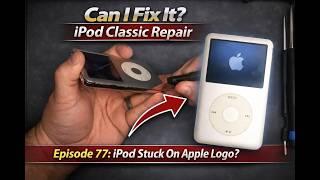
Hello everyone! Sorry if I'm not clear in the video. If your iPod is stuck on "Do not disconnect" and not detected in the iTunes please follow below steps.
1. Connect to your computer and open iTunes
2. Press and hold home and menu button together for about 10 sec
3. Before the apple logo appears press and hold menu and play button together. Now the iPod will be entered into the disk mode and will be detected by iTunes.
4. Now iTunes will ask to update your iPod. Click update.
5. Now iTunes may tell that the iPod is corrupted and need to be restored. Click okay and restore.
6. Be patient and keep the iPod connected all during the entire process.
Good luck fellas!
Subscribe if you want more problems. XD





![How to Fix iPod Classic Stuck on Apple logo [Reboot Looping]](https://ipodcafe.com/uploads/thumbs/9d21c34c6-1.jpg)













Comments