

How to restore IPOD 4th gen


Description
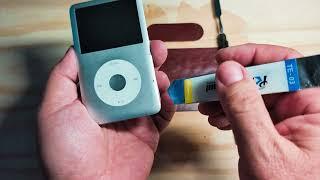
So this IPOD colour 4th gen I bought from my local facebook group. Watch me restore it with a new front and backplate, new battery and update the hard drive to a 64gb SD card using an IFLASH SOLO and 4th gen converter. This is my first time so watch me make the mistakes so you dont have to. You'll also know exactle what to expect if you attempt it your self.
0:00 INTRO
1:30 Start the dissemble
3:27 Remove hard drive
4:03 Separate backplate
5:38 Dissemble ports from backplate
17:57 Discovering ports don't fit the new backplate
21:05 Polishing old silver backplate
21:48 Re-assemble old backplate
24:50 Dissemble front plate
31:55 Removing the battery
33:33 Attaching new battery
34:38 Discovering new front plate doesn't fit
35:42 Re-assemble the front plate
36:02 Fitting the new battery that is a smidge too big
39:57 Screwing the circuit board to the front plate
43:03 Fitting IFLASH SOLO with gen 4 converter attached
45:00 Connecting the backplate to the frontplate
45:20 Testing
45:51 Connecting to ITUNES and restoring
47:23 Clipping the IPOD back together
48:39 OUTRO
#ipodrestore
#ipodcolour
#customipods


















Comments