

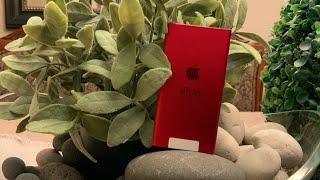
iPod Classic Mod - Fix the Folder Icon Error when using Red CF SD Adaptor with Hex Editor


Description
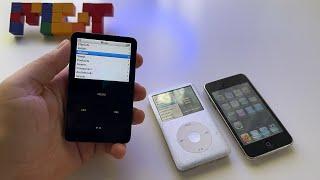
There are countless tutorials from a few years ago explaining the relatively simple process of upgrading older iPods to use an SD card.
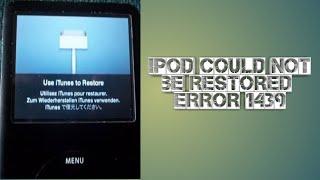
I purchased a couple of really cheap red compact flast SD adaptors from AliX and could not find a way to resolve the ipod folder icon error message.
Came back to this recently and found a very old thread on reddit:
https://www.reddit.com/r/ipod/comments/nuu1c4/almost_got_the_5th_gen_working/
If you are already have the folder icon error then skip to 1:30 to see the very simple process.
I recommend ejecting the SD cards properly from windows and the easiest hex editor I found was the one recommended on reddit.
https://www.majorgeeks.com/files/details/victoria_for_windows.html
I didn't have any luck on a Mac but Windows was relatively painless.
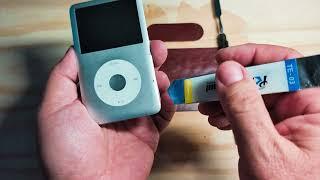
I've upgraded this 4th Gen iPod and a 1st Gen iPod Mini. The Mini was even simpler as no IDE connector to flaff about with.
Leave any questions in the comments and share the knowledge with others.




















Comments