

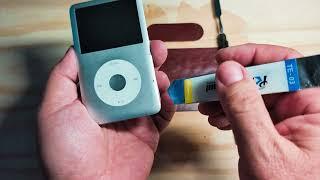
How to Change the Battery on an iPod Classic (6th & 7th Gen) – Step-by-Step Guide!


Description
How to Change the Battery on an iPod Classic (6th & 7th Gen) – Step-by-Step Guide!
Description:
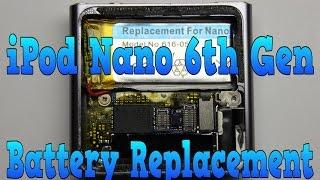
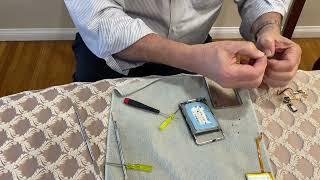
Is your iPod Classic not holding a charge? In this step-by-step guide, we'll show you how to replace the battery on both the 6th and 7th generation iPod Classic models. Whether you're looking to restore your device's battery life or just want to bring your old iPod back to life, this easy tutorial will walk you through the entire process. No experience required – just follow along and give your iPod Classic a fresh lease on life!
Timeline:
00:00 - 03:00 Welcome
03:01 - 04:15 Approach to repair
04:16 - 05:20 Opening iPod
05:21 - 05:40 - The proper approach to releasing the tension bar
05:41 - 07:10 - Removing the battery
07:11 - 08:10 - Inserting the battery
08:11 - 09:01 Conclusion
???? Tools You'll Need:
Replacement battery
Pentalobe screwdriver
Plastic prying tools
T5 Torx screwdriver
ESD-safe mat (optional)
Don't forget to like, share, and subscribe for more DIY tech repair tutorials! ????
#iPodClassic #BatteryReplacement #DIYRepair #TechFix #iPodRepair #6thGen #7thGen #iPodBattery #ElectronicsRepair #VintageTech #AppleRepair #RestoreOldTech #HowTo #TechTutorial #BatteryReplacementGuide #TechHacks






















Comments