

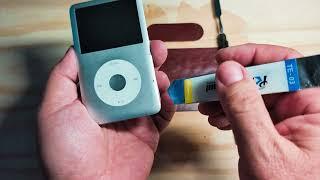
How to Replace Battery on iPod classic/Video (Step-by-Step) | Full Guide (EASY)


Description
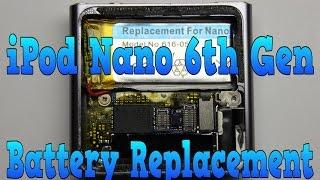
Step-by-step guide showing how to replace the stock battery on an iPod Video / iPod Classic. Keep that bad boy on the road.
Check out my iPod classic playlist for more videos!
Links:
Stock Battery: https://amzn.to/4mVSvHN
Opening Tools: https://amzn.to/43gb5TY
Heat Tape: https://amzn.to/3L6Anh2
iPod 30 Pin Male to USBC Female Cable: https://amzn.to/3WzkaDE
Clear Case Thin: https://amzn.to/4nUCvHk
Precisions Screwdrivers: https://amzn.to/4q6Ugoe
Soldering Iron: https://amzn.to/3KIJgNW
iFlash Quad: https://amzn.to/46OldWt
Silicon Power SD Cards: https://amzn.to/4nOQkHt
Timestamps:
00:00 Intro/Things You Need
00:36 Start
02:30 Battery Cable
03:40 Battery Removal
04:49 Battery Cable Reinstall
05:54 Close iPod
#iPodClassic #iPodVideo #BatteryReplacement #TechRepair #DIYRepair #VintageTech #AppleRepair #RetroTech #iPodFix #GadgetRepair #TechDIY #RepairGuide #iPodRestoration #iPodBattery #electronicsrepair
As an Amazon Associate, I earn from qualifying purchases. This means I may earn a small commission if you use the links in this description to make a purchase, at no additional cost to you.






















Comments