

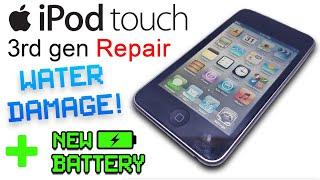
iPod 3rd-Gen Flash Memory upgrade - step by step
Sorry, only registred users can create playlists.


Description
I recorded this video because I wanted to share the knowledge I’ve gained when I replaced my iPod 3rd Generation's internal hard drive with a compact flash card.
I found a lot of advice online, including videos on YouTube showing how it’s done, but they always get a bit vague when it comes to choosing the right Flash Memory card, how to prepare the card so it will work with the iPod and sync with iTunes.
As a result of that it’s taken me a lot of trial and error to get this working.
In this video I want to show you exactly how I’m doing it, so that hopefully you don’t have to make the same mistakes I did.
REPOST - edited to avoid copyright infringement.
















Comments